The Scottish Heavy Events Scoring Program was created in 1993 and rolled out in 1994 by Michael North. It was designed for use on a PC-compatible laptop so scorekeepers could move away from using pencil and paper to keep scores.
Scorekeepers could print class results after each event and athletes could see the evolution of the competition in real-time instead of waiting until the end of the day for results.
The laptop version evolved over the years and was last updated in Nov 2019.
The laptop version is no longer available for download.
A new, Cloud-based version is now available that replaces the old laptop version. It runs in any web browser on any Internet device including Apple computers and tablets. Since it is a web application, athletes can view progress in real-time while the Games evolve.
More than 500 hours of development, database management and updates have been expended so far in this Scoring program. It is provided free of charge to athletes and to Games officials. All that is needed is login access which is granted to all Games officials (ADs, scorekeepers, etc) upon request.
Michael has been involved with the Highland Games since 1992. He has been an athlete, judge, AD, photographer and Board Member at varying times. This is his way of paying back for a great adventure with wonderful people. Please private message Michael via Facebook for access to the scoring side of the program.
If you are still using the laptop version, you can very easily export your Games' results and then upload those to the Cloud version.
Actually, this website IS the Cloud version.
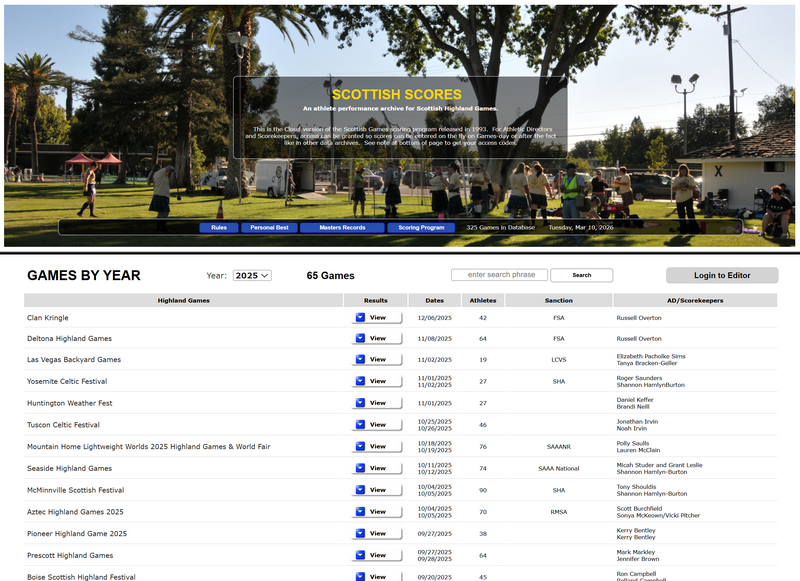
This website has two personalities. For the general public, one can search the database and see results from Games as far back as 1993.
Since Games are setup before Games Day, one can see who is registered to compete in which class. On Games Day, one can follow along and see how their favorite athlete is doing.
Public Read-Only View
Currently, there are over 320 Games in the database and over 4600 athletes. It is hoped that a source will be found for results back to the 1970's.
Certified Athletic Directors and Scorekeepers can be granted login access which opens up the full real-time scoring feature.
The Cloud version is easier to use, does not require a program loaded into a laptop and allows athletes to see their progress as it is entered by the scorekeeper. That is right; as scorekeepers enter the results, athletes can view the results in real-time.
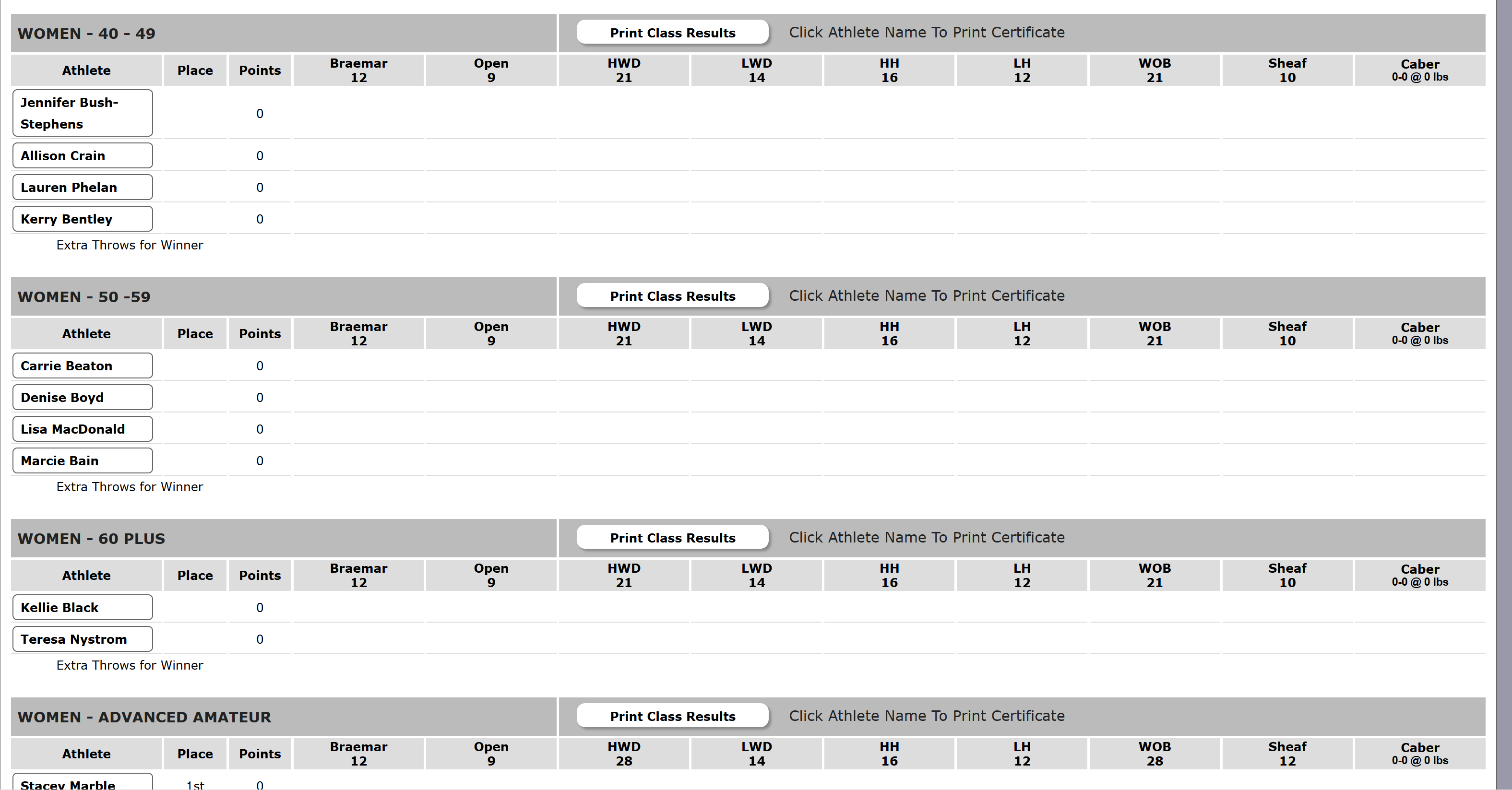
The laptop version only had a fixed list of classes available. The trend is to have more inclusion so the web version has a growing list of classes available; these are grouped Men, Women, Masters Men, Masters Women and Other. Currently other includes Junior Boys, Junior Girls and Juniors. Adaptive and other classes may be added in the future as need demands.
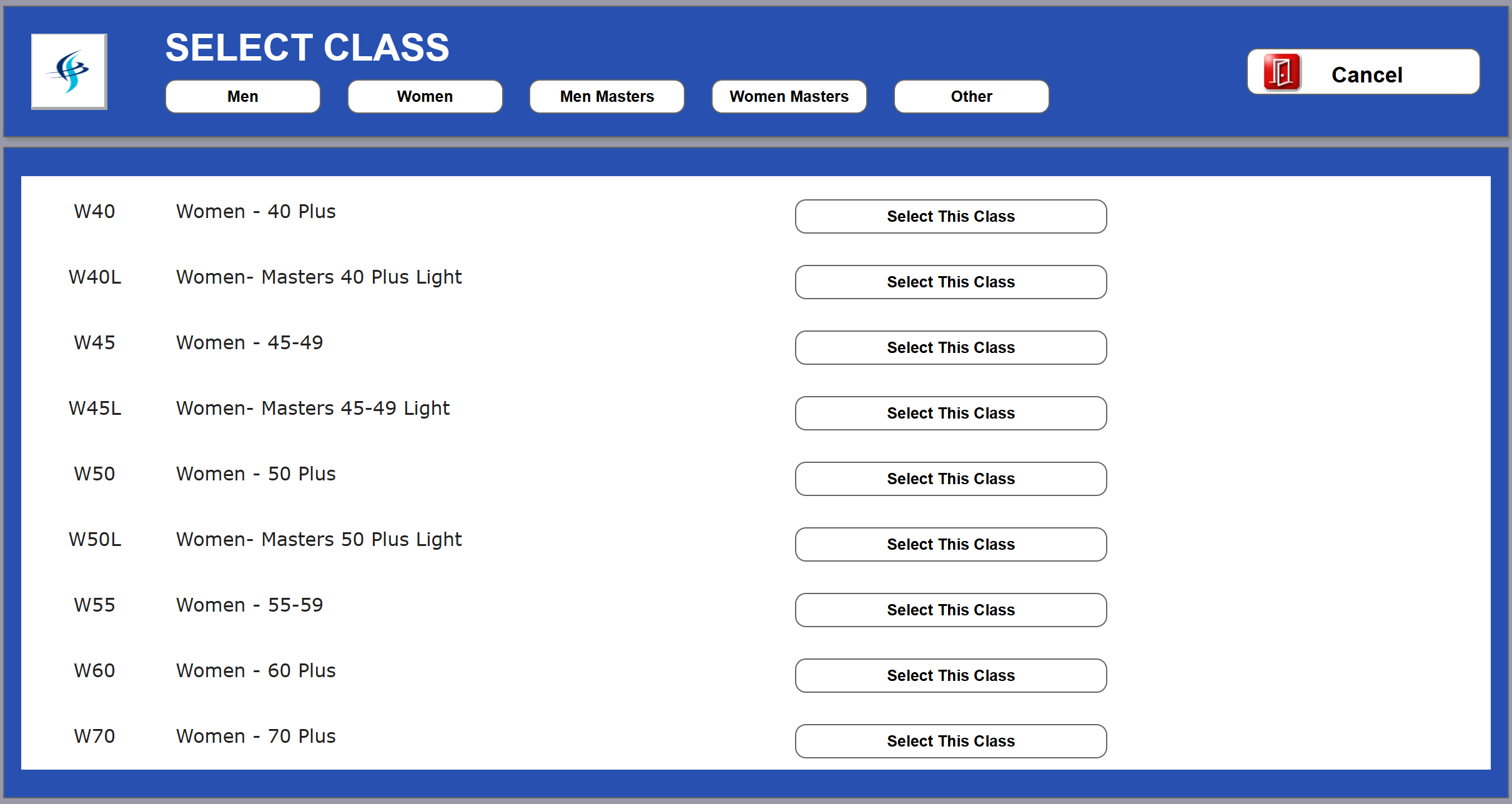
Masters Women Class Selection Page
|
For those that would like to see the program before requesting login credentials, here are some screen shots. |
|
The Games Results page is the hub for the scorekeeper. This is where classes are entered and athletes are assigned to classes. This is where the scorekeeper can print scoring sheets, class results and Games results. All events start out with a white background and turn green as results are entered. This allows the scorekeeper and AD to see which events have not yet been entered. 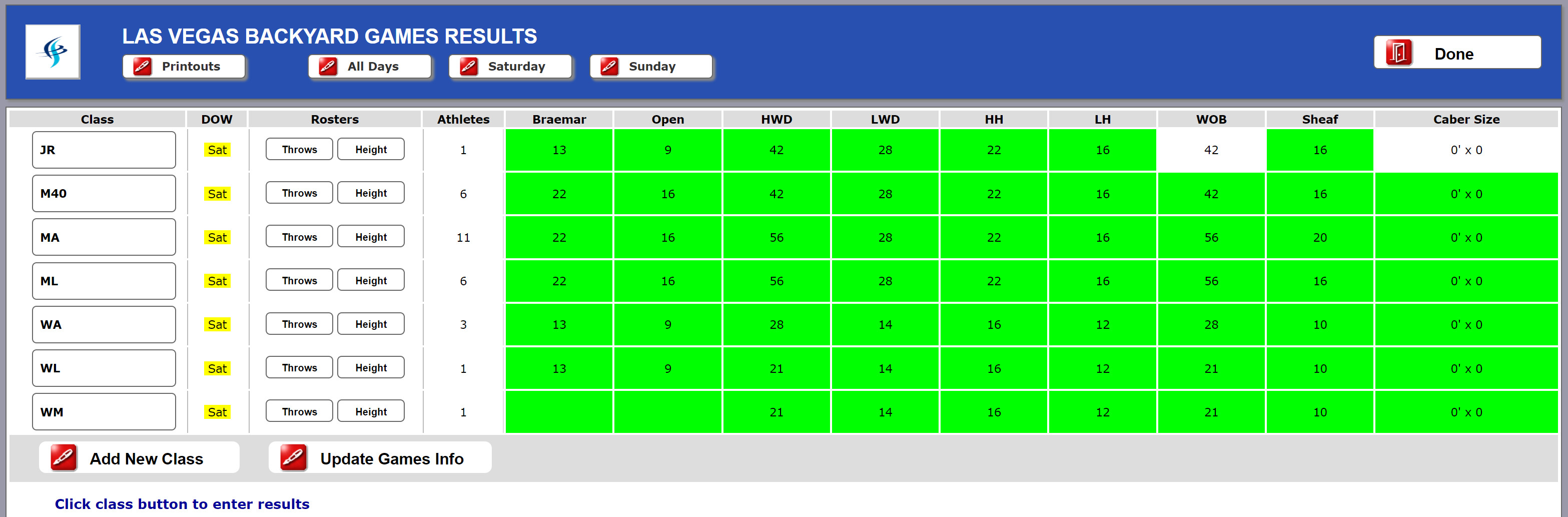
|
|
The Class Results page is where the scorekeeper assigns athletes to a class and enters results for each event for that class. This is where classes are entered and athletes are assigned to classes. This is where the scorekeeper can print scoring sheets, class results and Games results. All events start out with a white background and turn green as results are entered. This allows the scorekeeper and AD to see which events have not yet been entered. 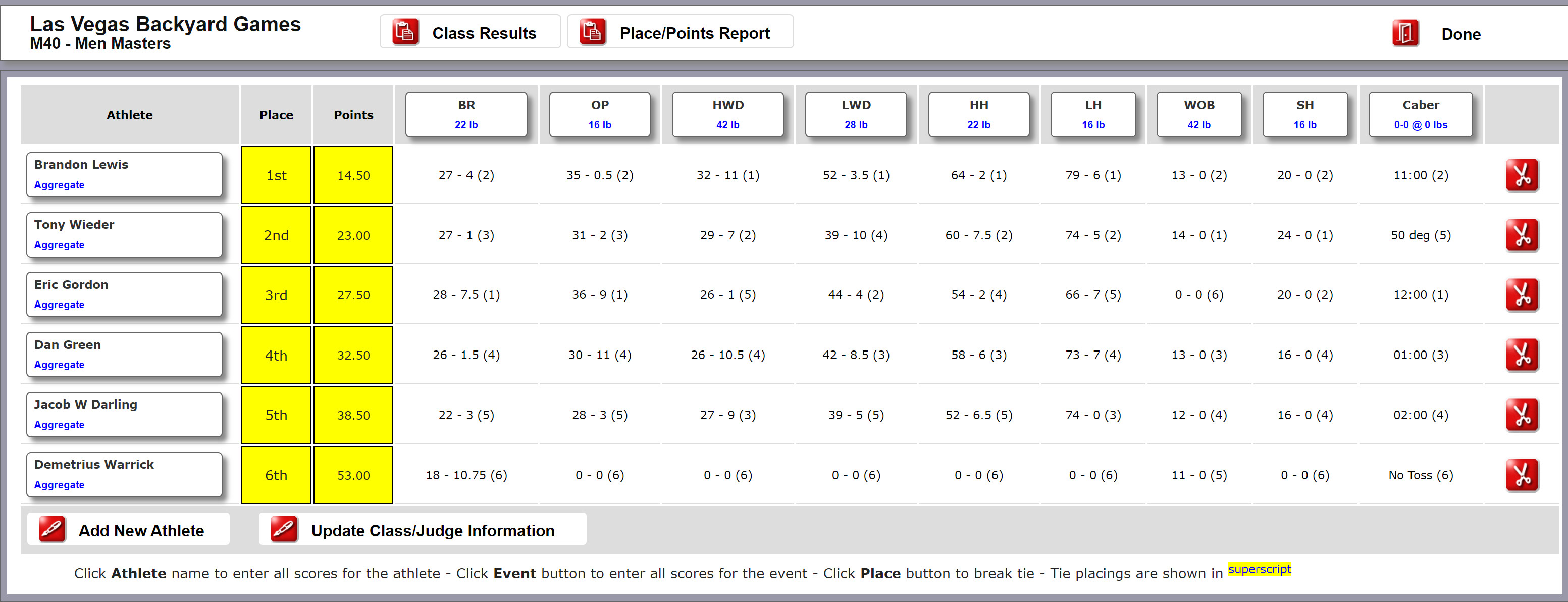
|
|
The Games Printout page provides the results for the entire Games as seen below: 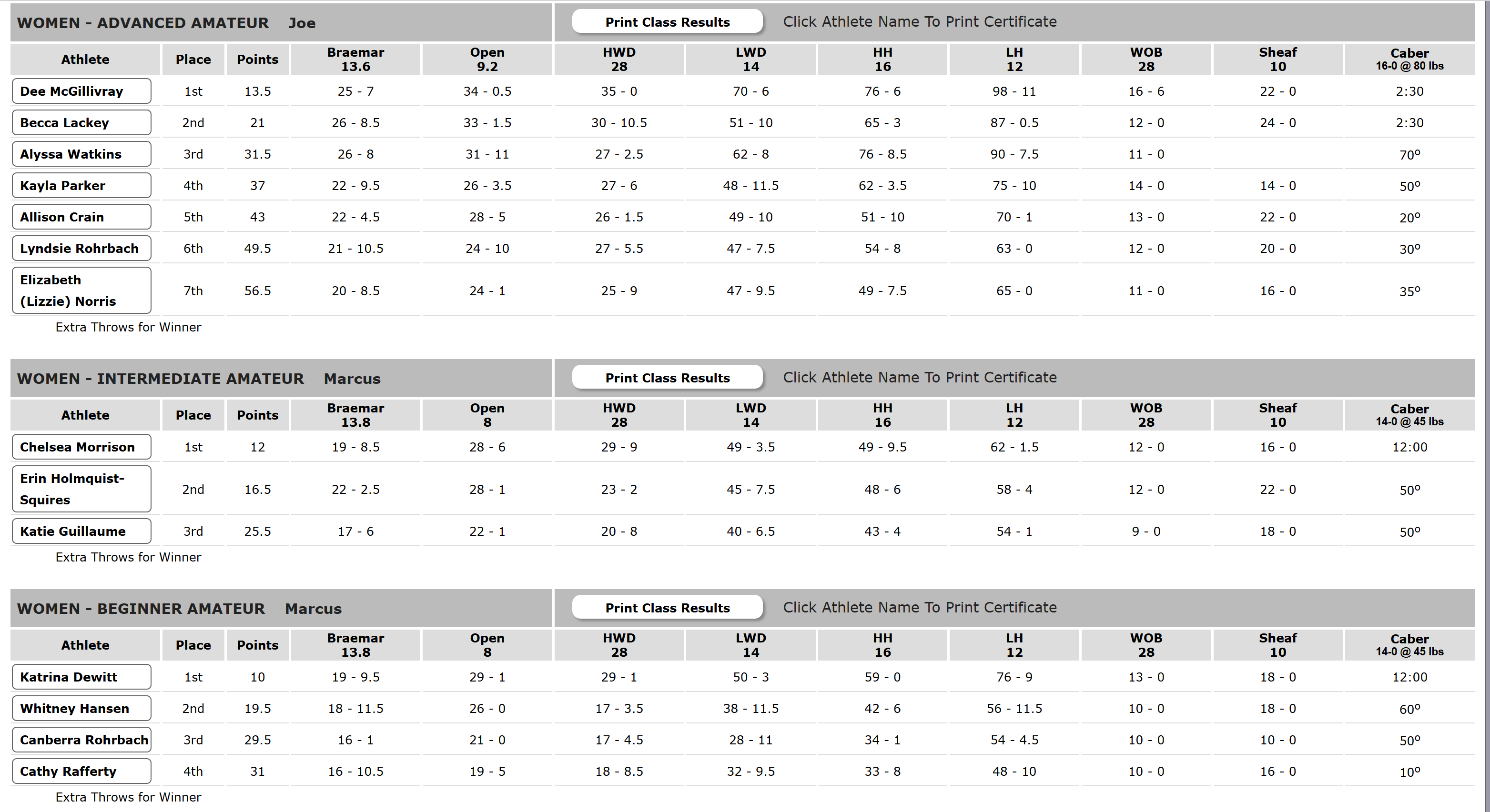
|
|
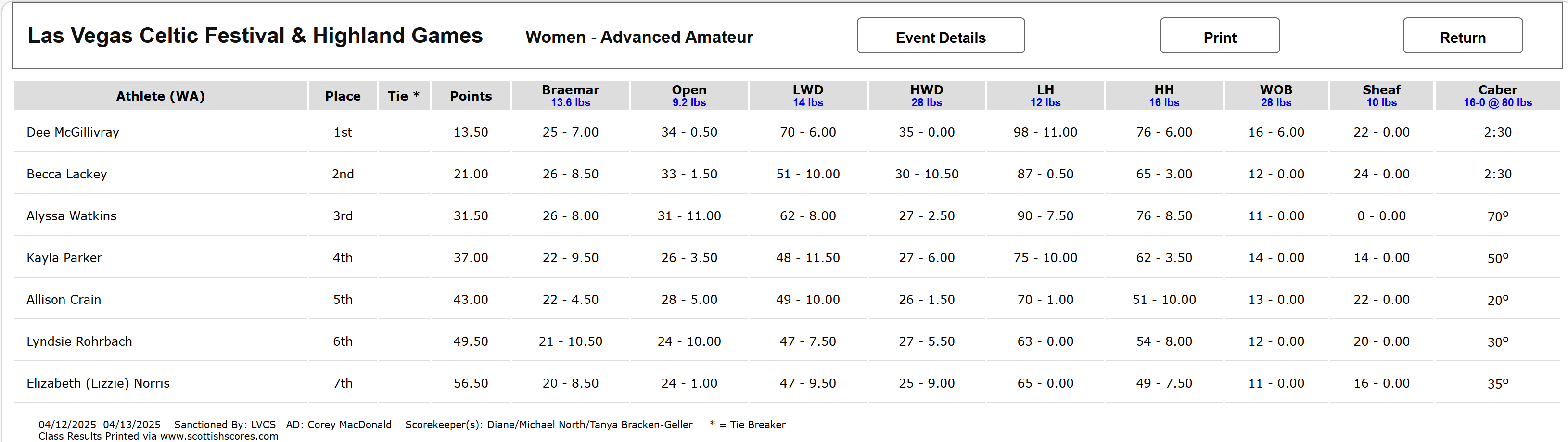
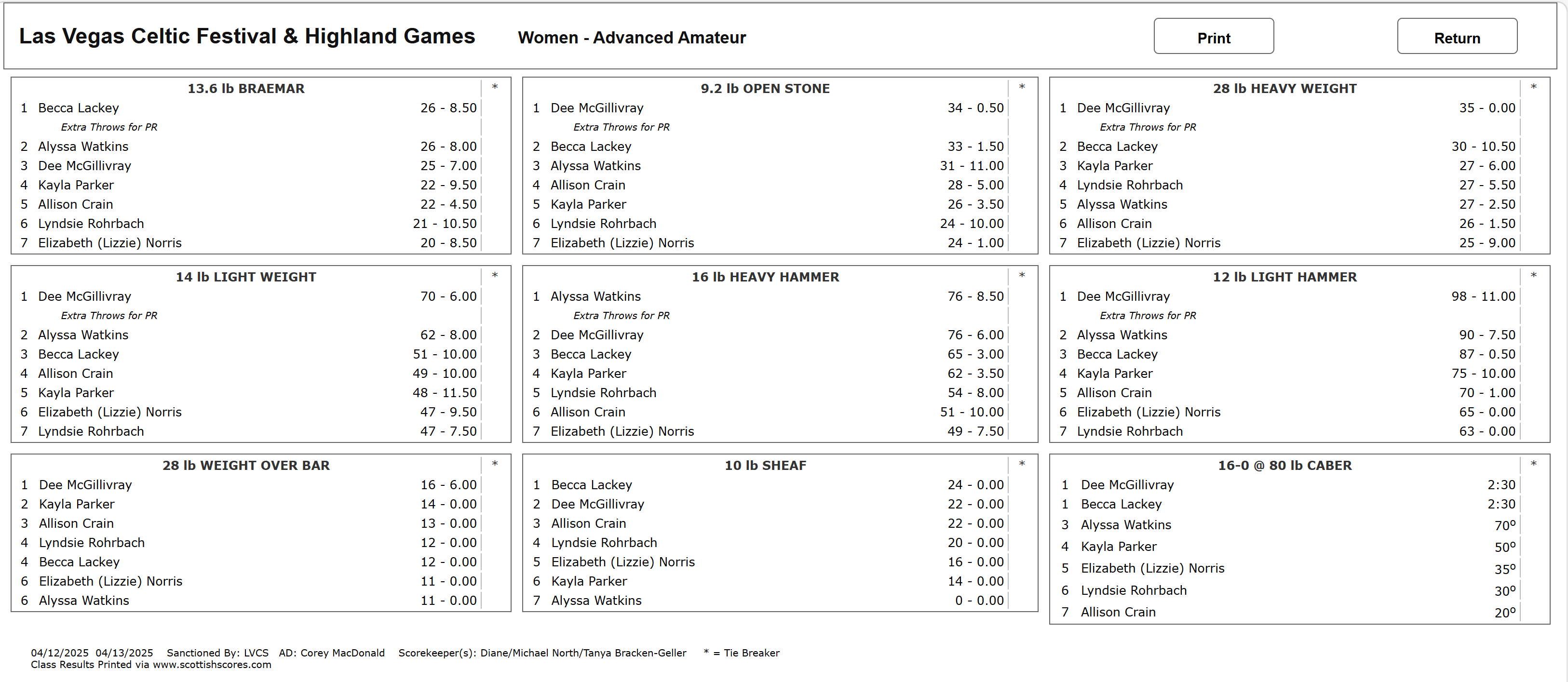
The Class Printout has two pages. These provide a listing and a matrix of the results for the one class as seen below:
Where the class list shows the overall results, the class detail (below) shows the placing within each event.
|